How to Create a new company
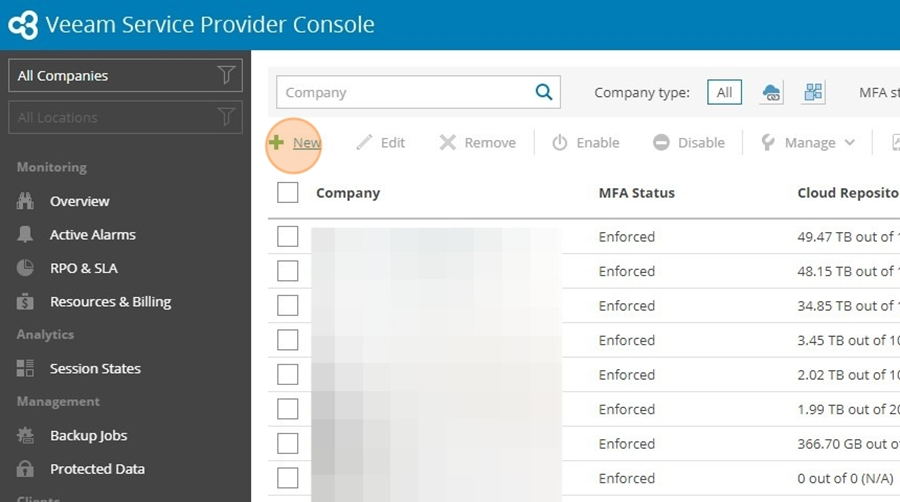
- Navigate to https://backup.sjt.services:1280/#home/companies
- Click "New"
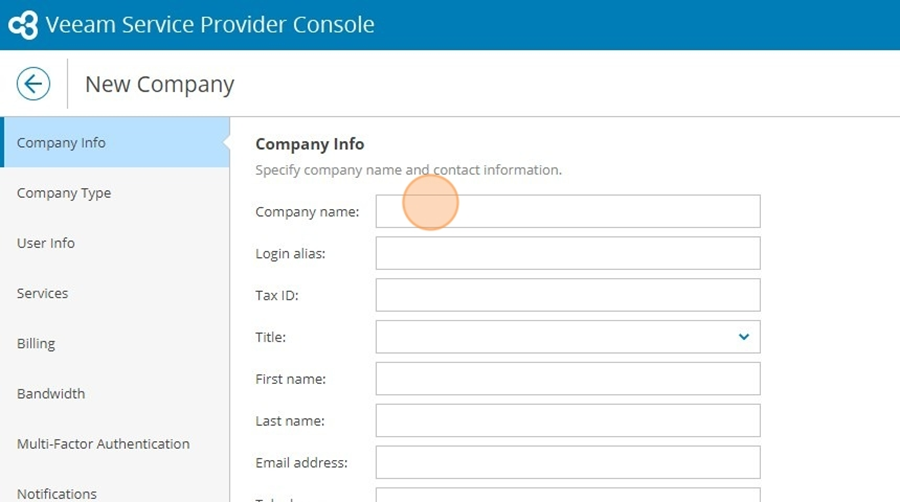
- Fill in at least the fields: Company Name, Country and ZIP code
- Click "Next"
- Click here.
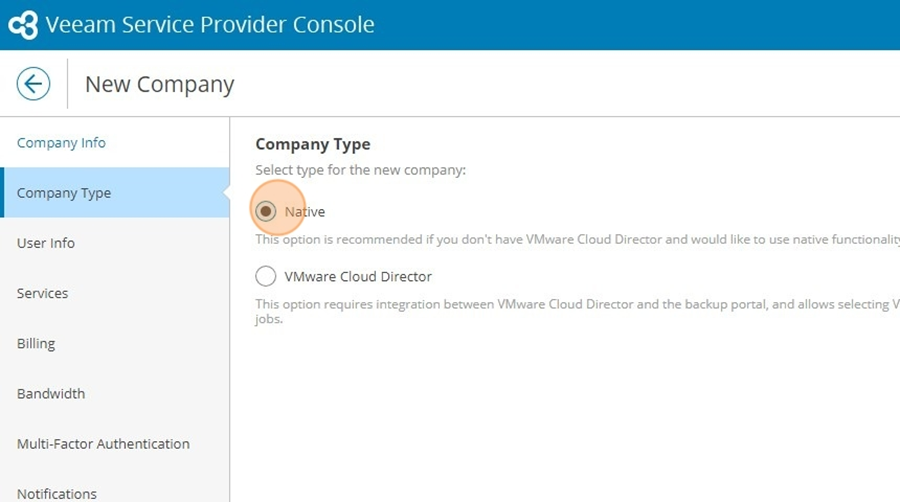
- Click "Next"
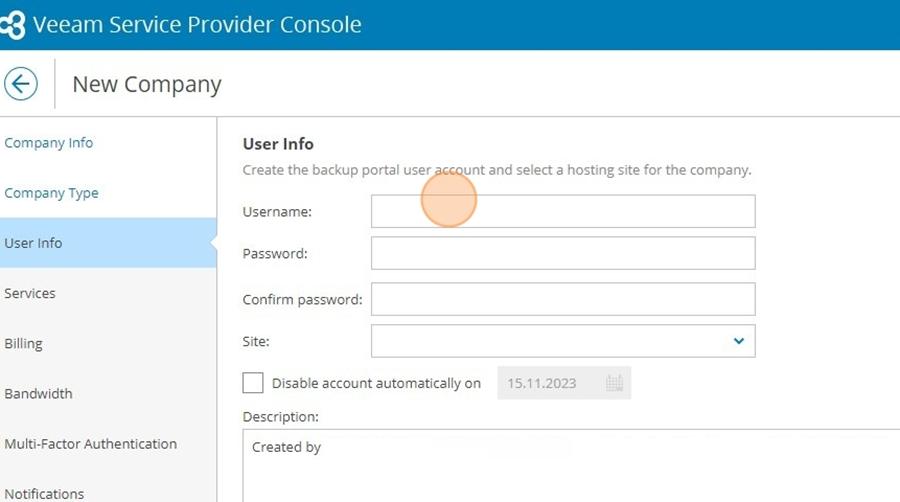
- Click this text field.
- Click this icon.
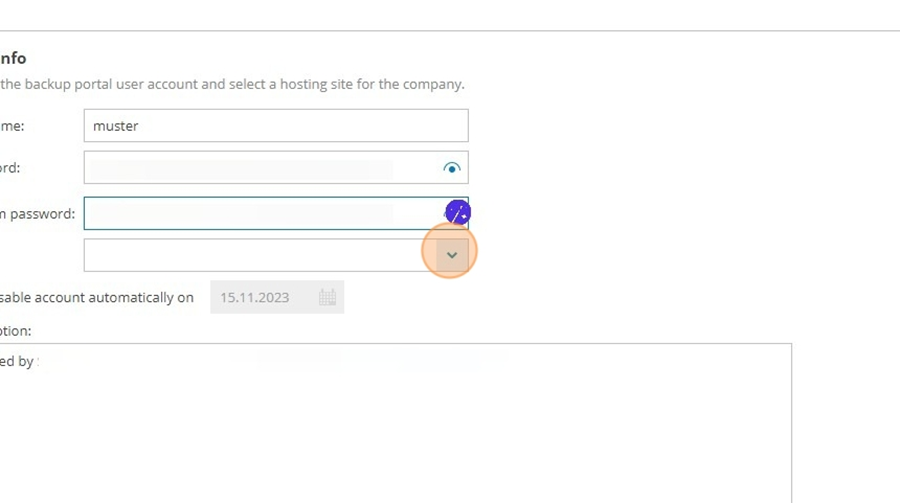
- Click here.
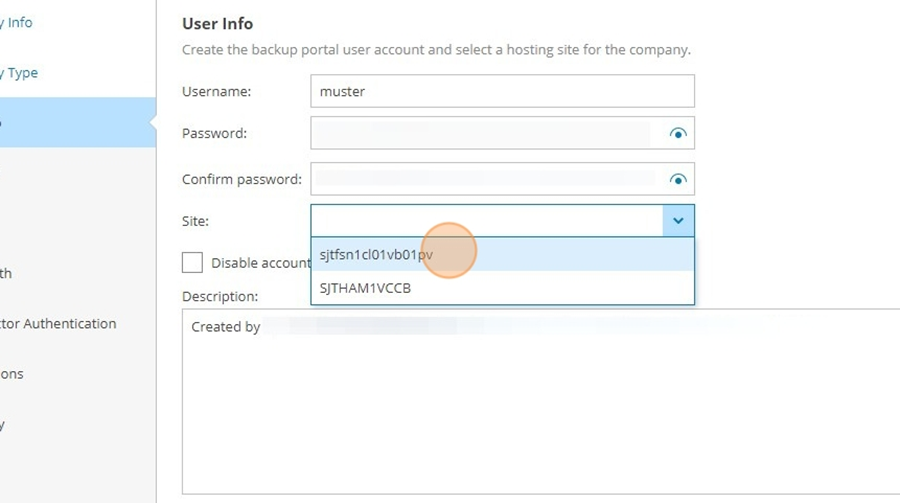
- Click "Next"
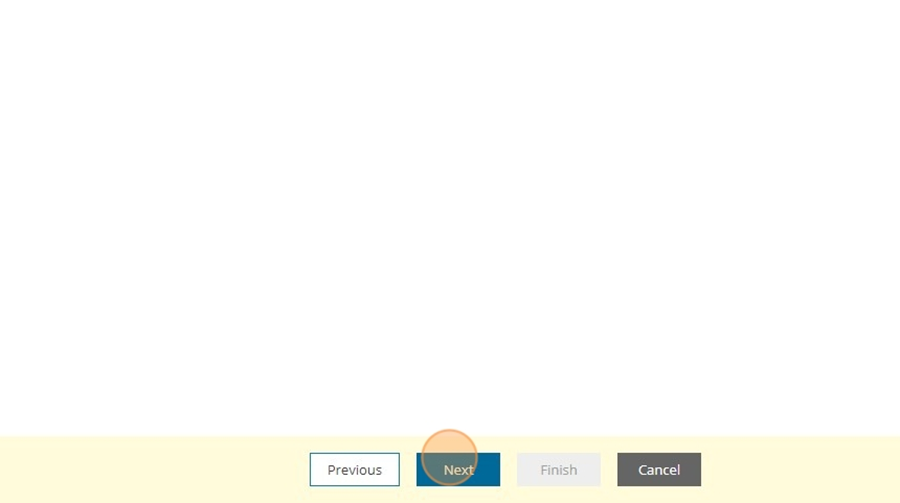
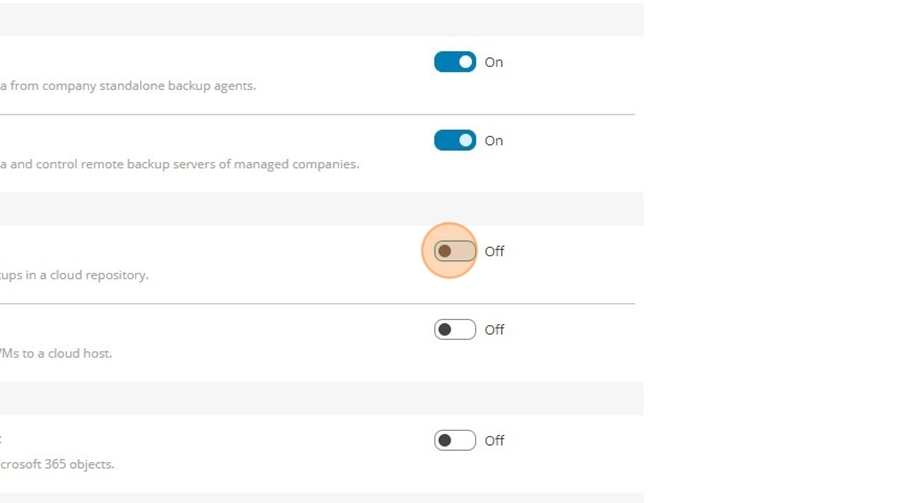
- Click here.
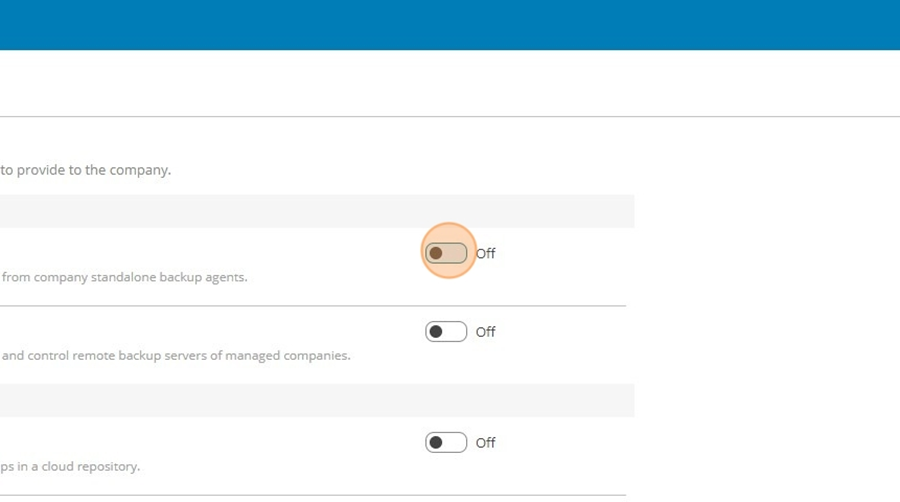
- Click here.
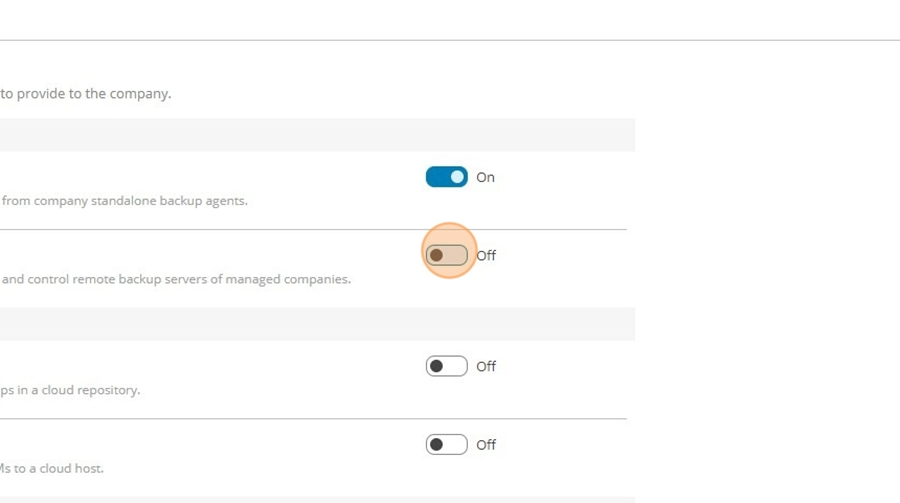
- Click here.
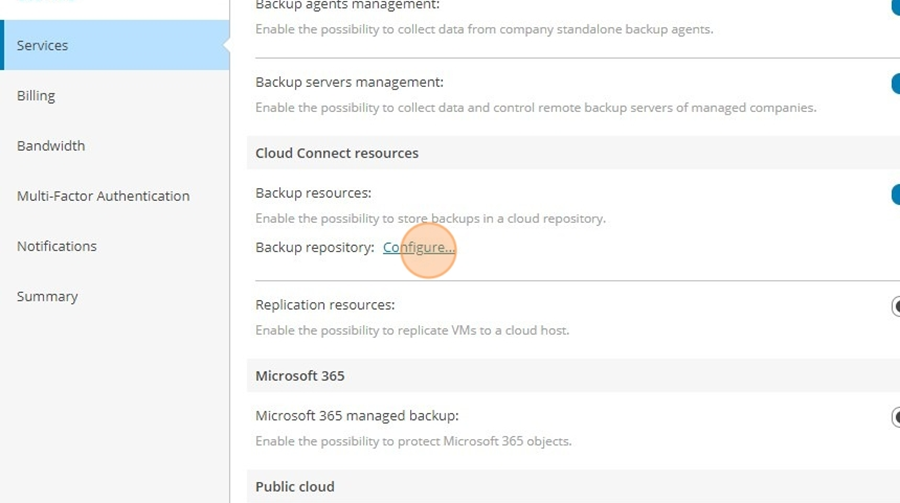
- Click "Configure..."
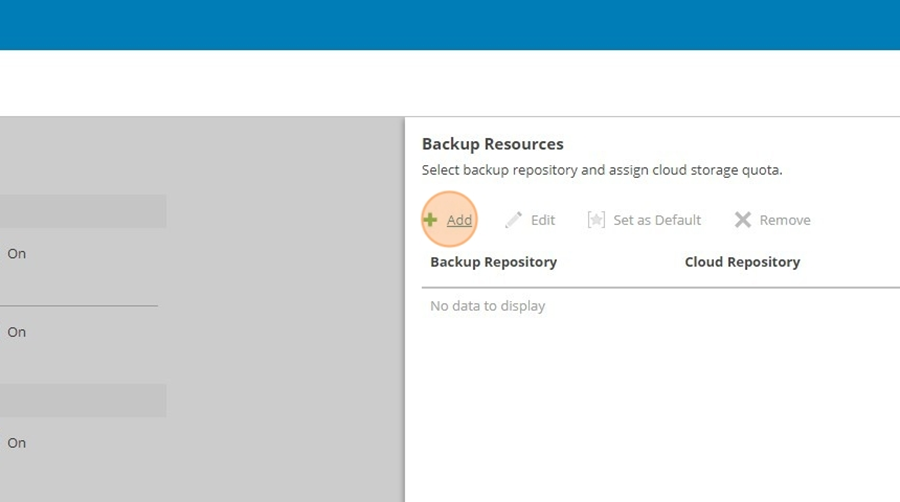
- Click "Add"
- Click "Select an existing backup repository..."
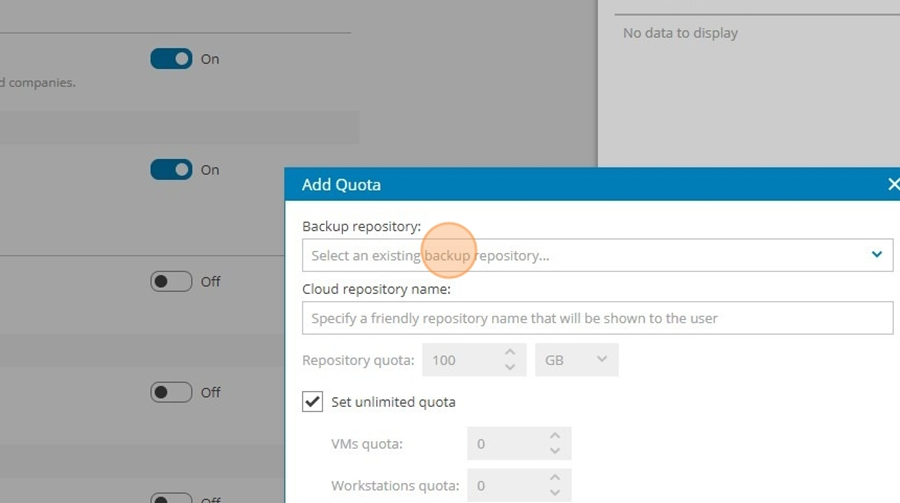
- Click "SJT SOLUTIONS GmbH Reseller sjtfsn1cl01vb01pv\SJTFSN1-14D"
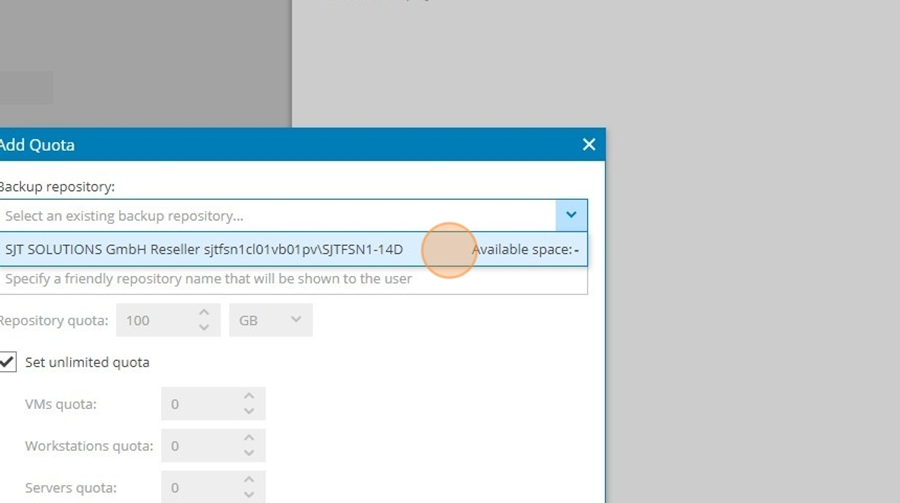
- Click the "Specify a friendly repository name that will be shown to the user" field.
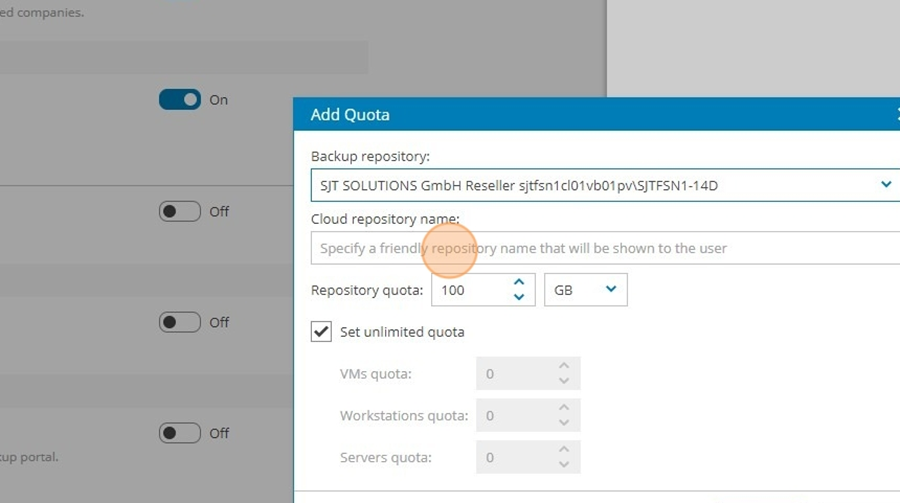
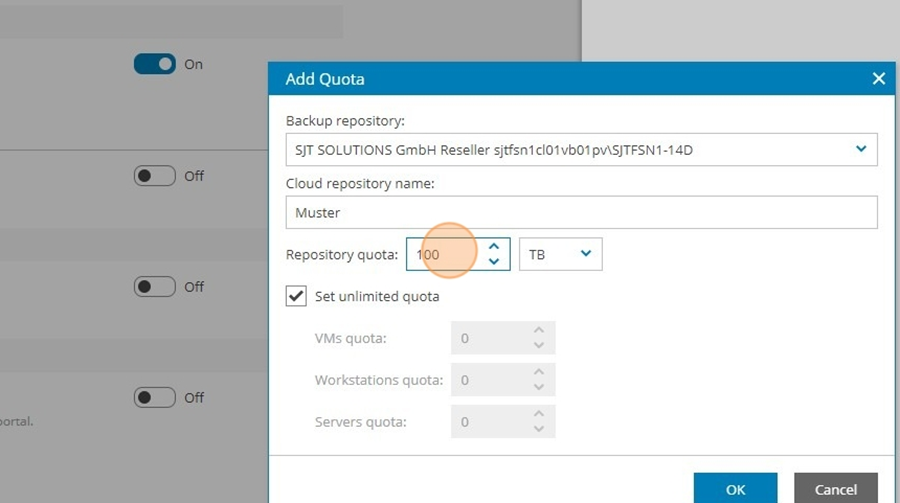
- Adjust repository quota to your customer
- Click "OK"
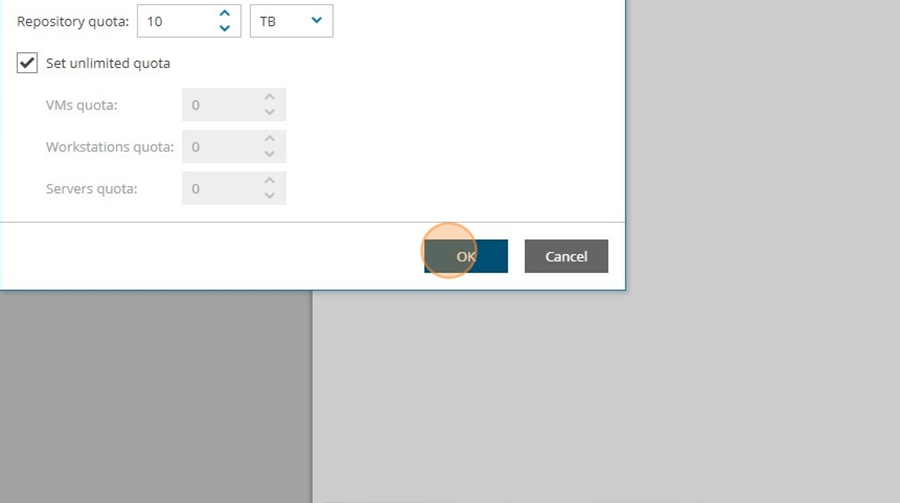
- Click "Apply"
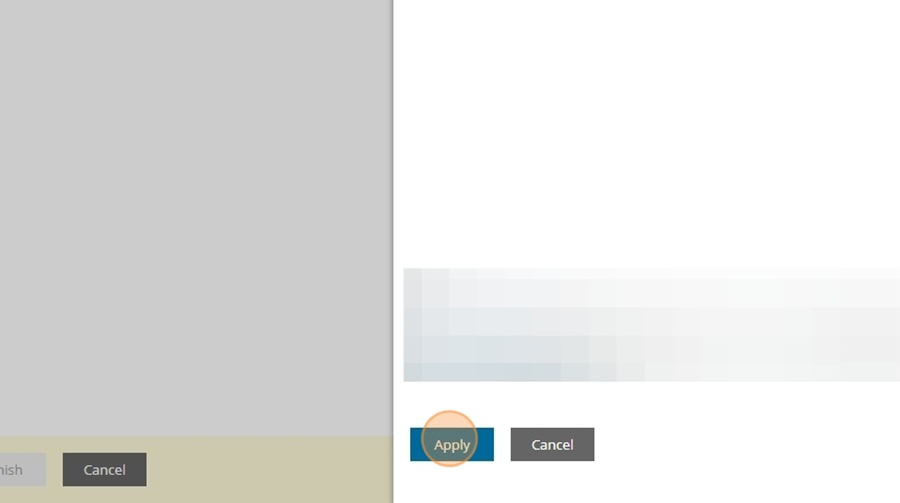
- Click "Next"
- Click "Next"
- Set "Max current tasks" to 4.
Click "Next"
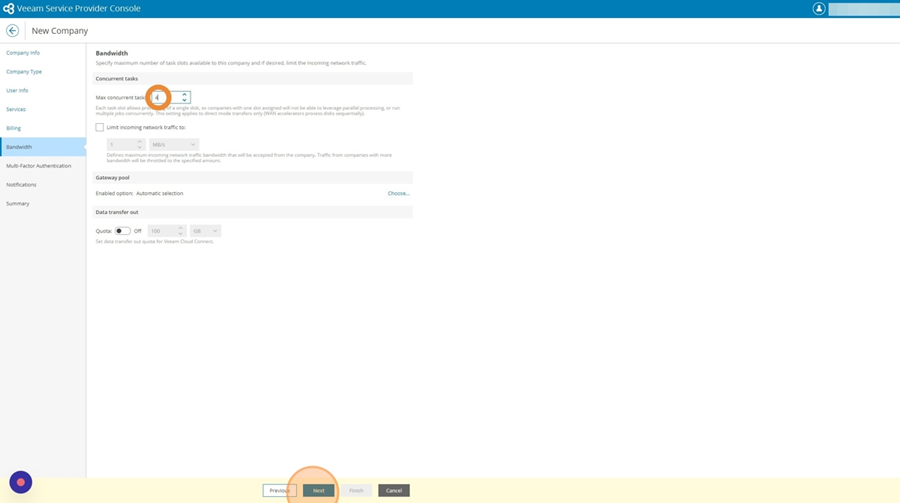
- Click "Next"
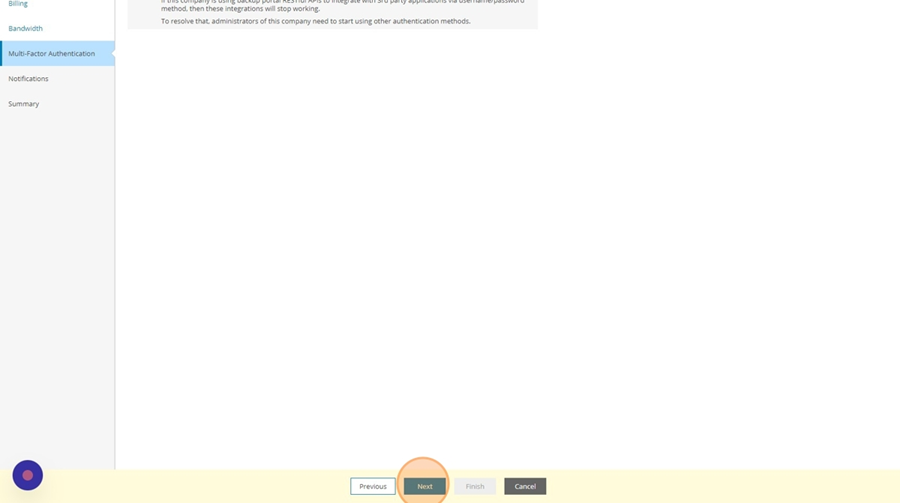
- Click "Next"
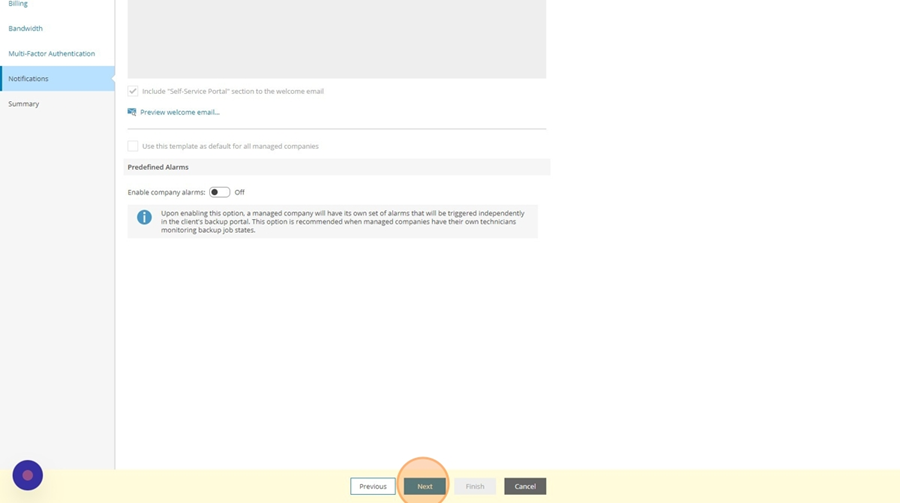
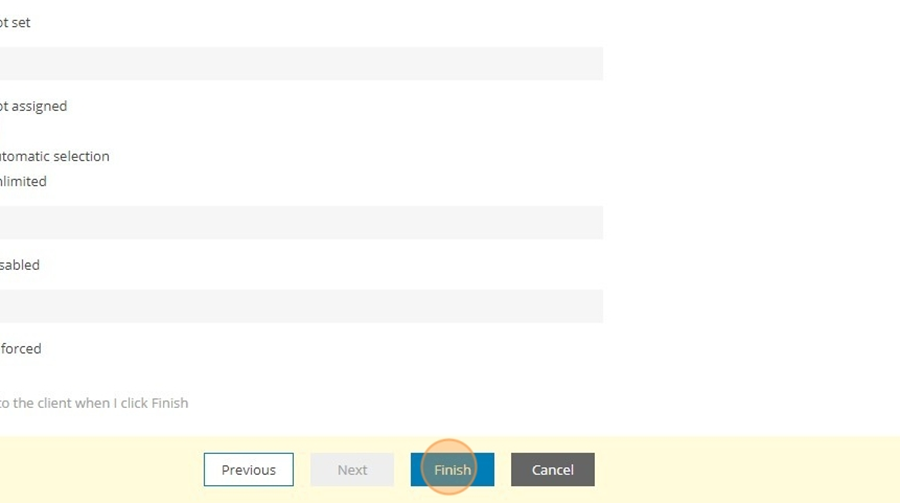
- Click Finish.